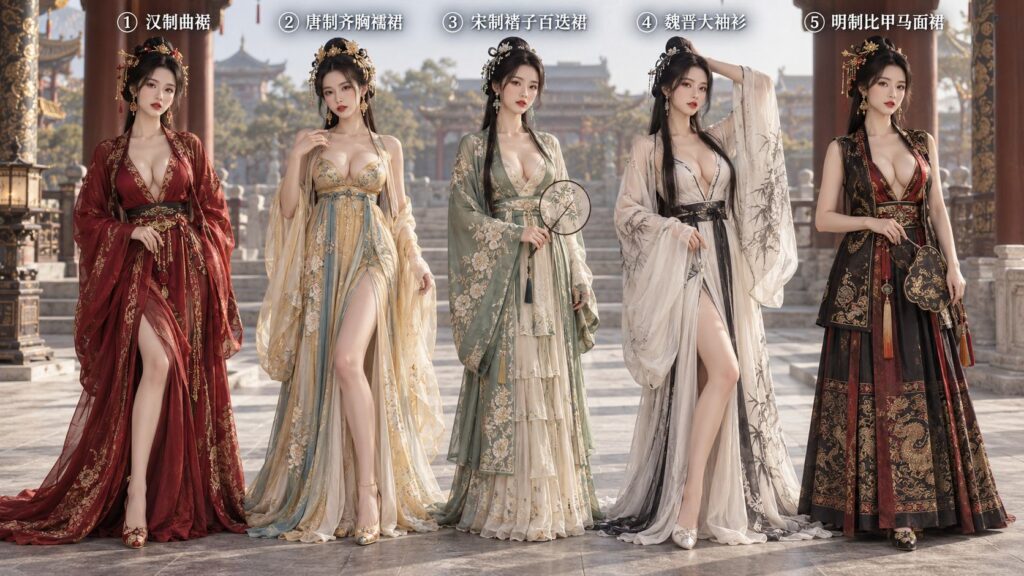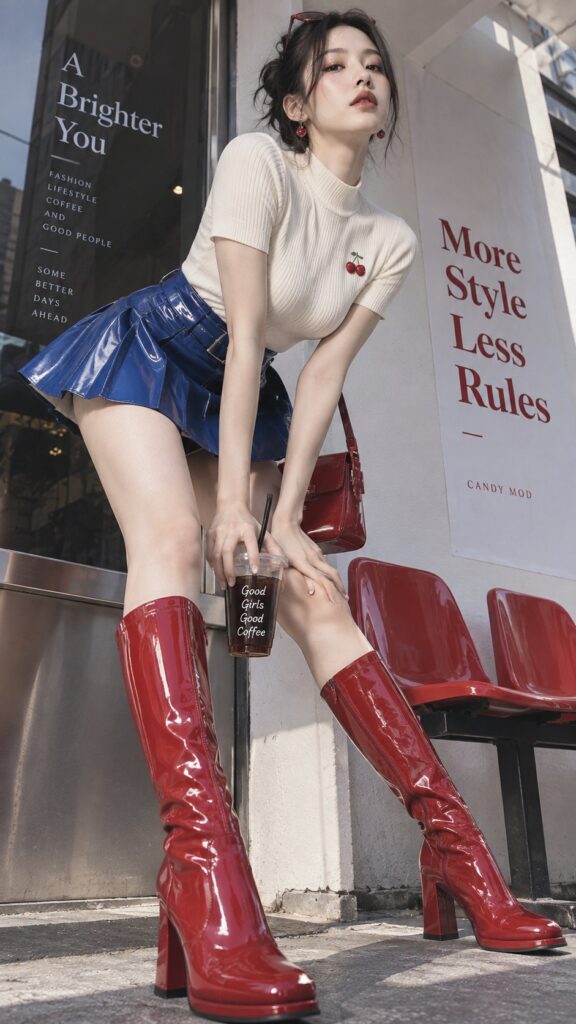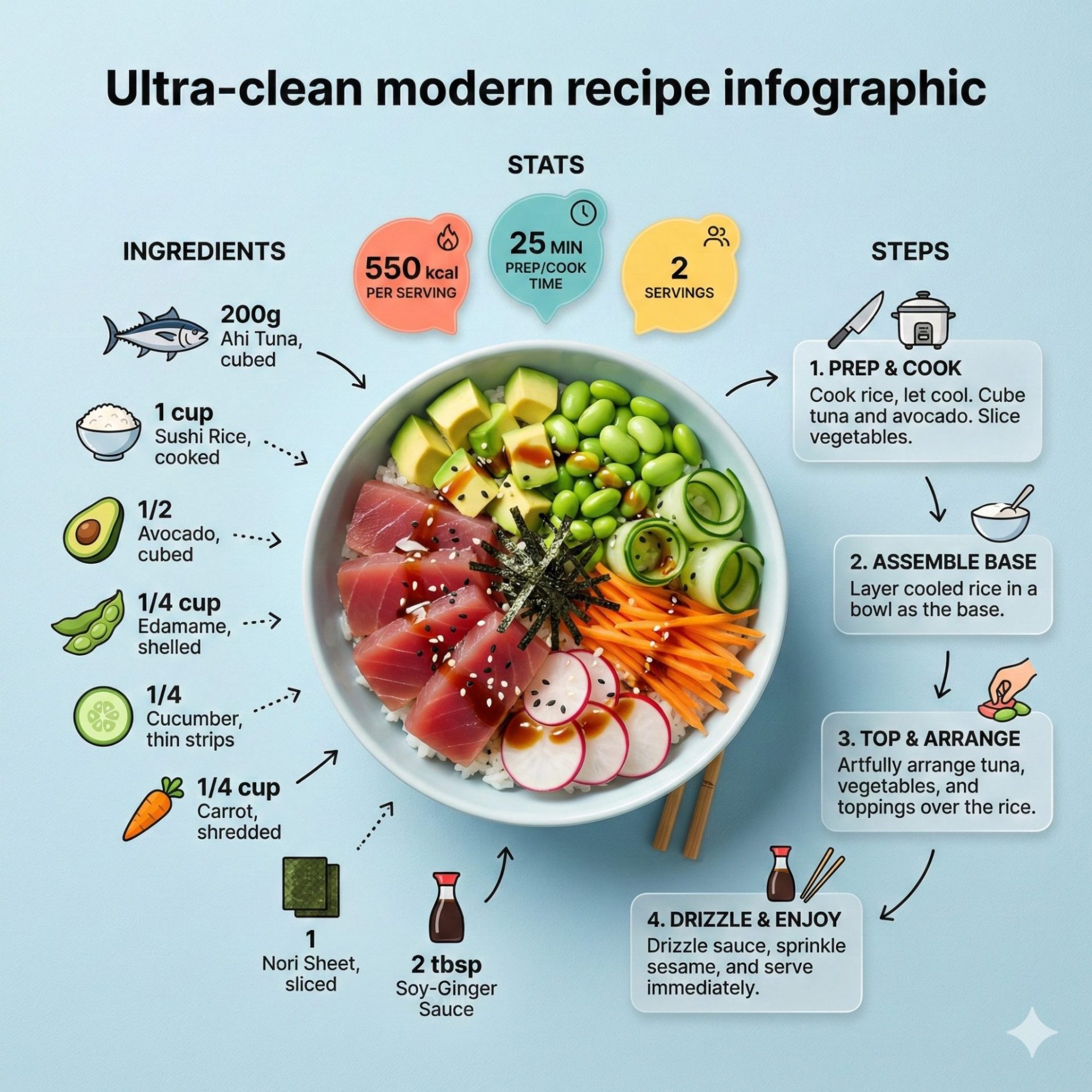
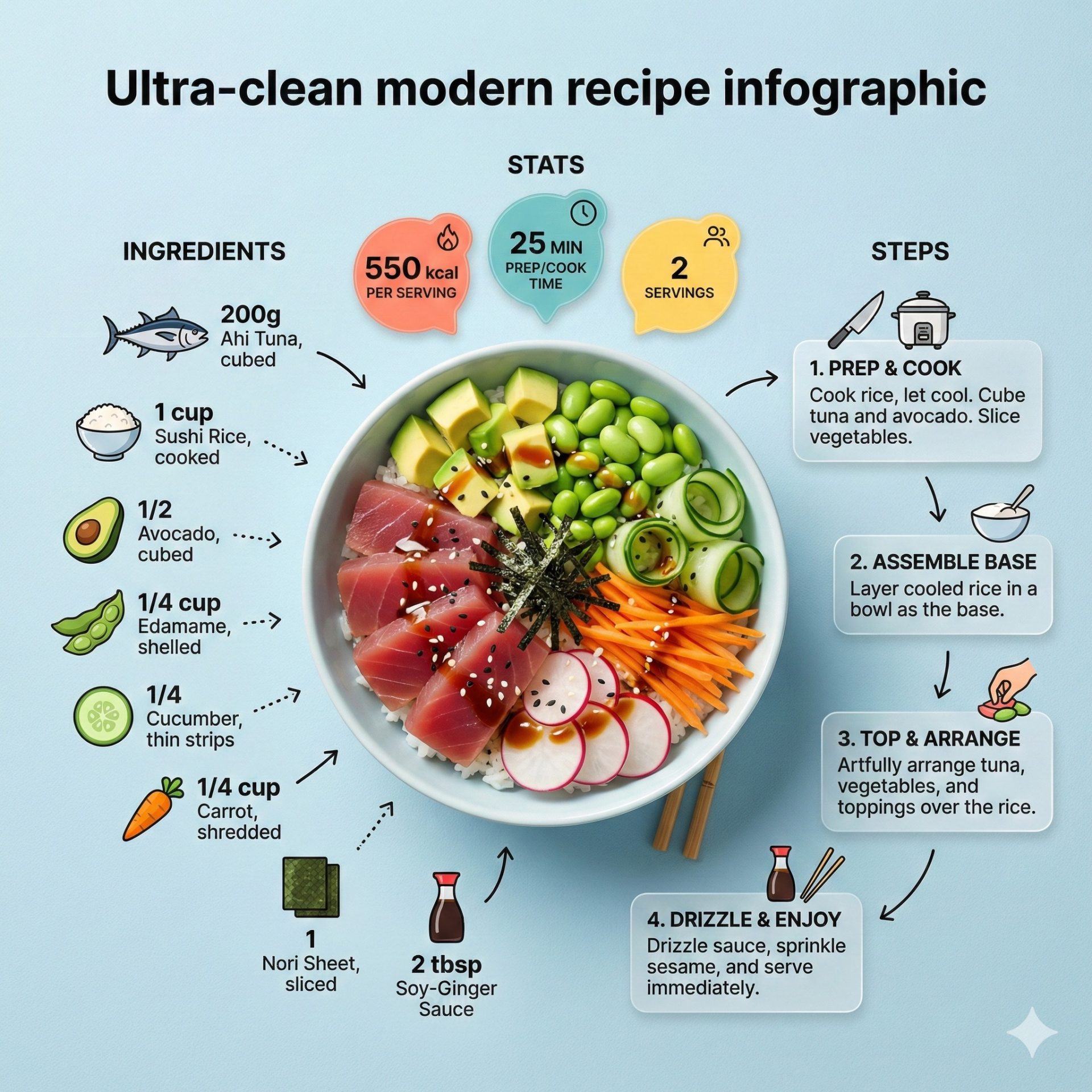
苦恼食谱排版不够高级?Nanobanana Pro 提供免费现代信息图提示词,支持一键生成及复制,完美融合美食摄影与极简扁平化设计,助力打造千万级博主质感内容,点击即刻解锁。 Struggling with uninspiring recipe layouts? Nanobanana Pro offers free modern infographic prompts for one-click generation and copy, perfectly blending food photography with minimalist flat design. Click to unlock professional-grade content.
Prompt (English):
ADVERTISEMENT
Ultra-clean modern recipe infographic. Showcase [FOOD] in a visually appealing finished form—sliced, plated, or portioned—floating slightly in perspective or angled view. Arrange ingredients, steps, and tips around the dish in a dynamic editorial layout, not restricted to top-down. Ingredients Section: Include icons or mini illustrations for each ingredient with quantities. Arrange them in clusters, lists, or circular flows connected visually to the dish. Steps Section: Show preparation steps with numbered panels, arrows, or lines, forming a logical flow around the main dish. Include small cooking icons (knife, pan, oven, timer) where helpful. Additional Info (optional): Total calories, prep/cook time, servings, spice level—displayed as clean bubbles or badges near the dish. Visual Style: Editorial infographic meets lifestyle food photography. Vibrant, natural food colors, subtle drop shadows, clean vector icons, modern typography, soft gradients or glassmorphism for step panels. Accent colors can highlight key info (calories, prep time). Composition Guidelines: Finished meal as hero visual (perspective or angled) Ingredients and steps flow dynamically around the dish Clear visual hierarchy: dish > steps > ingredients > optional stats Enough negative space to keep design airy and readable Lighting & Background: Soft, natural studio lighting, minimal textured or gradient background for premium editorial feel. Output: 1080×1080, ultra-crisp, social-feed optimized, no watermark.中文参考:
ADVERTISEMENT
超简洁的现代食谱信息图。以赏心悦目的成品形式展示[食物]——切片、摆盘或分装——略微以透视或倾斜视角呈现。将食材、步骤和提示围绕菜肴以动态的编辑布局排列,不局限于顶部。 down.食材部分:为每种食材添加图标或迷你插图,并标注数量。将它们以群组、列表或循环流程的形式排列,并在视觉上与菜肴连接。步骤部分:使用编号面板、箭头或线条展示准备步骤,围绕主菜形成逻辑流程。在需要的地方添加小型烹饪图标(刀、锅、烤箱、计时器)。附加信息(可选):总卡路里、准备/烹饪时间、份量、辣度——以简洁的气泡或徽章形式显示在菜肴附近。视觉风格:融合编辑信息图和生活方式美食摄影。鲜艳自然的食物色彩,微妙的阴影,简洁的矢量图标,现代的字体,步骤面板的柔和渐变或玻璃变形效果。强调色可以突出显示关键信息(卡路里、准备时间)。构图设计准则:成品菜肴作为主视觉元素(透视或倾斜角度);食材和步骤围绕菜肴动态排列;清晰的视觉层级:菜肴 > 步骤 > 食材 > 可选数据;留白充足,保持设计简洁易读;灯光与背景:柔和自然的影棚灯光,极简纹理或渐变背景,营造高端编辑质感;输出:1080×1080,超清晰,针对社交媒体优化,无水印。